
Amazon PPC Search Term Analysis Tool
Open your Amazon search term report in the browser. Sort, filter, group and export it. The file never leaves your computer.
This 100% free tool takes your Amazon Sponsored Products Search Term Report and lets you see exactly what’s happening, quickly and easily.
Your data stays on your computer. Nothing uploads anywhere. It is 100% private.
How To Download Your Amazon Sponsored Products Search Term Report
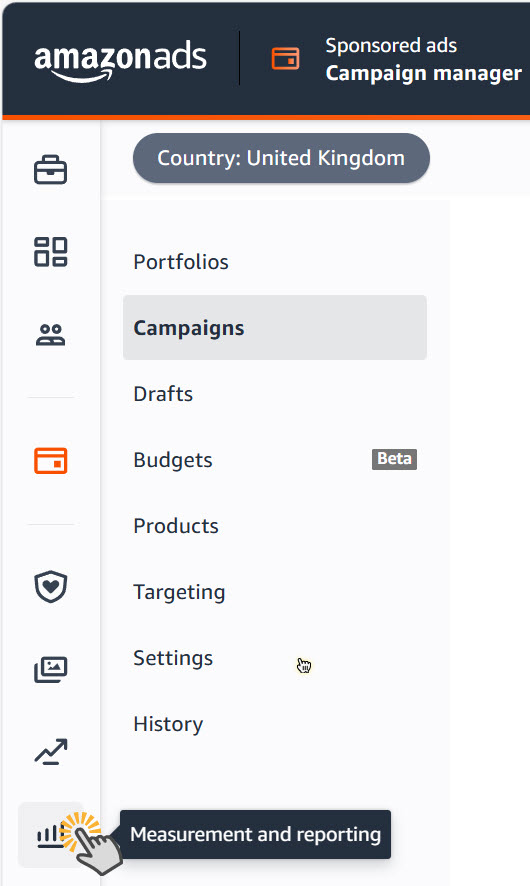
1. Open Measurement and reporting. In Campaign Manager, click the chart icon at the foot of the left menu. 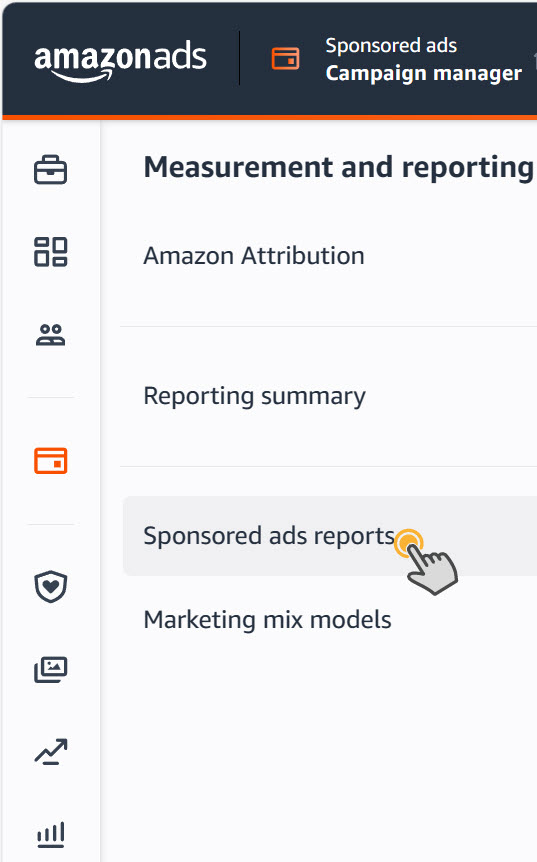
2. Pick Sponsored ads reports. It sits under Reporting summary. 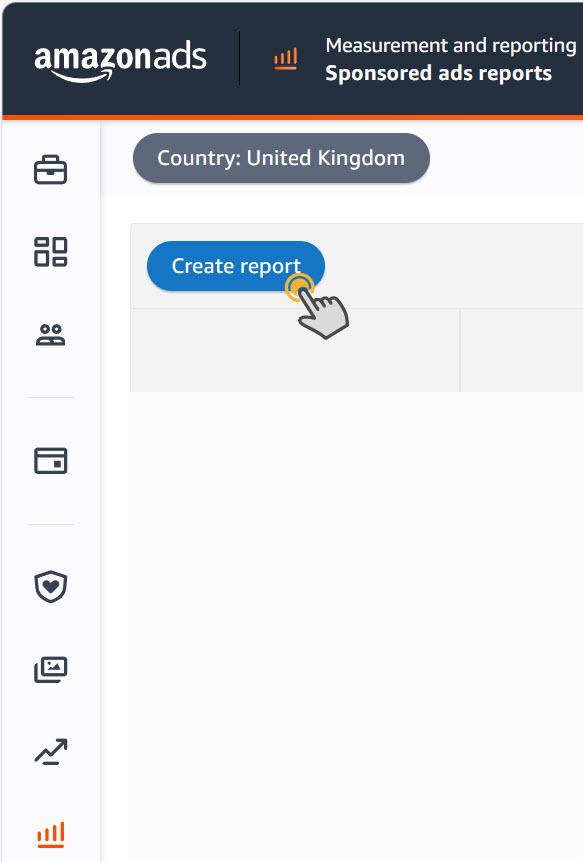
3. Click Create report. The button sits at the top of the reports list. 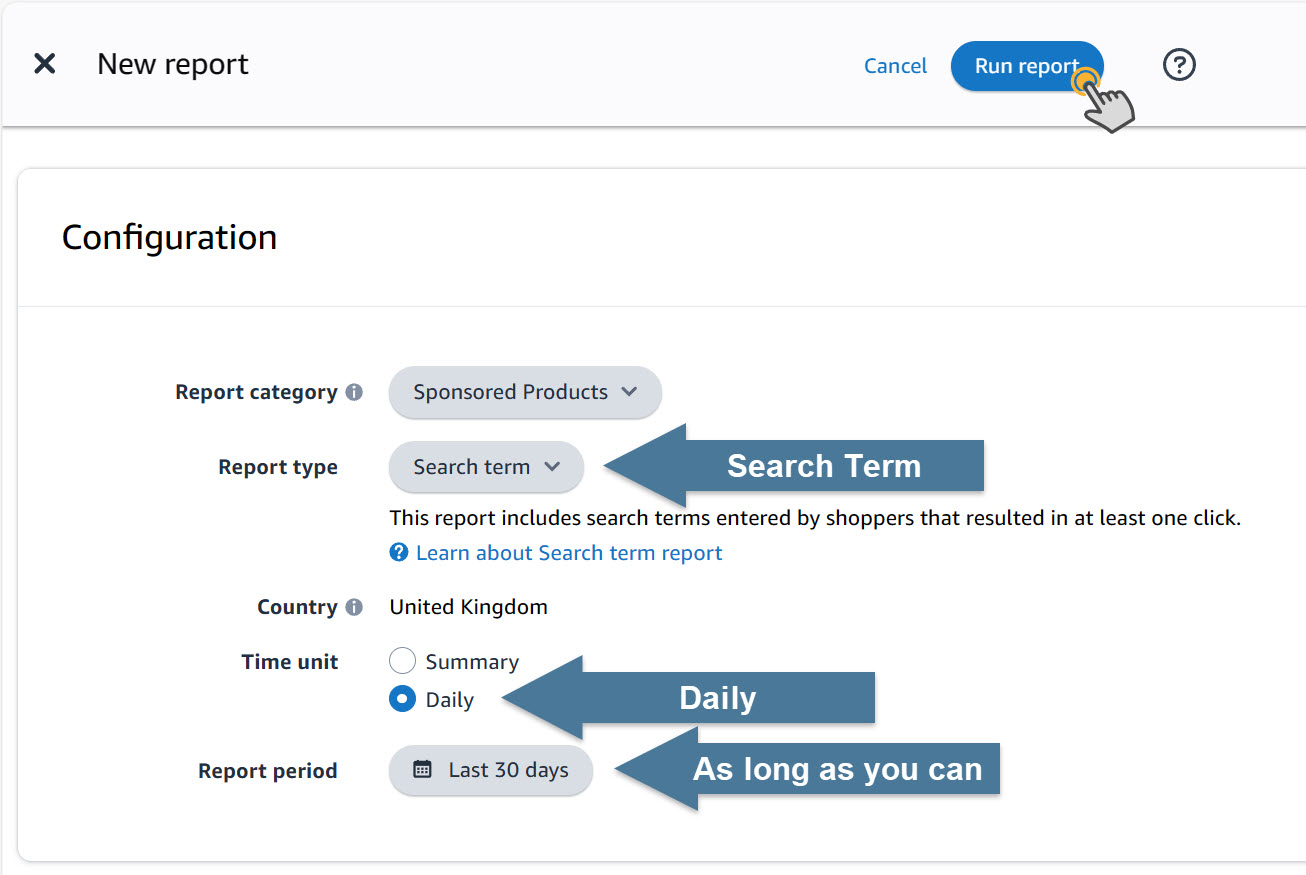
4. Set it to Search term, Daily, and the longest period. Then click Run report. Daily gives you one row for each date, which the tool needs for date range analysis.
Free Amazon tools
Optimise Your Amazon Sales With Free Tools
Amazon Toolbox
There are a number of tools we wish had existed when we started growing on Amazon.
So we created them for our internal use... and now you can use them too.
Best of all, they're all free.
Get An Unfair Advantage
We're adding more free tools on a regular basis to help you maximise your sales, and more importantly your profits, on Amazon.
To keep updated and get an unfair advantage over your competitors simply share your email address and we'll let you know the instant that we launch the next tool.
Which Tool Would Help You Sell More?
Is there a tool that would really help you but which doesn't currently exist?
If there is then tell us. And if there's enough demand, and we can crowbar the data out of Amazon, we'll create it and tell you when it's done.